

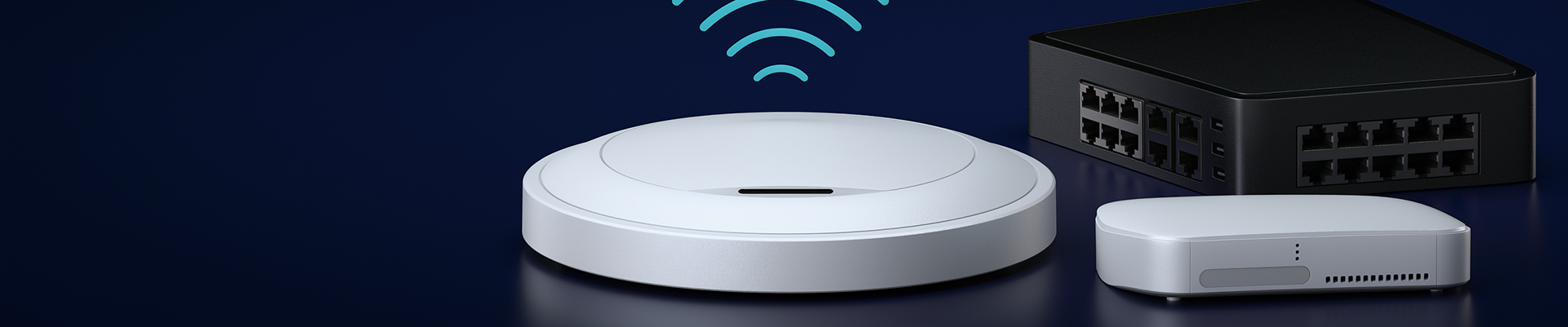
Ubiquiti UniFi Products in Canada: A Complete Buyer’s Guide

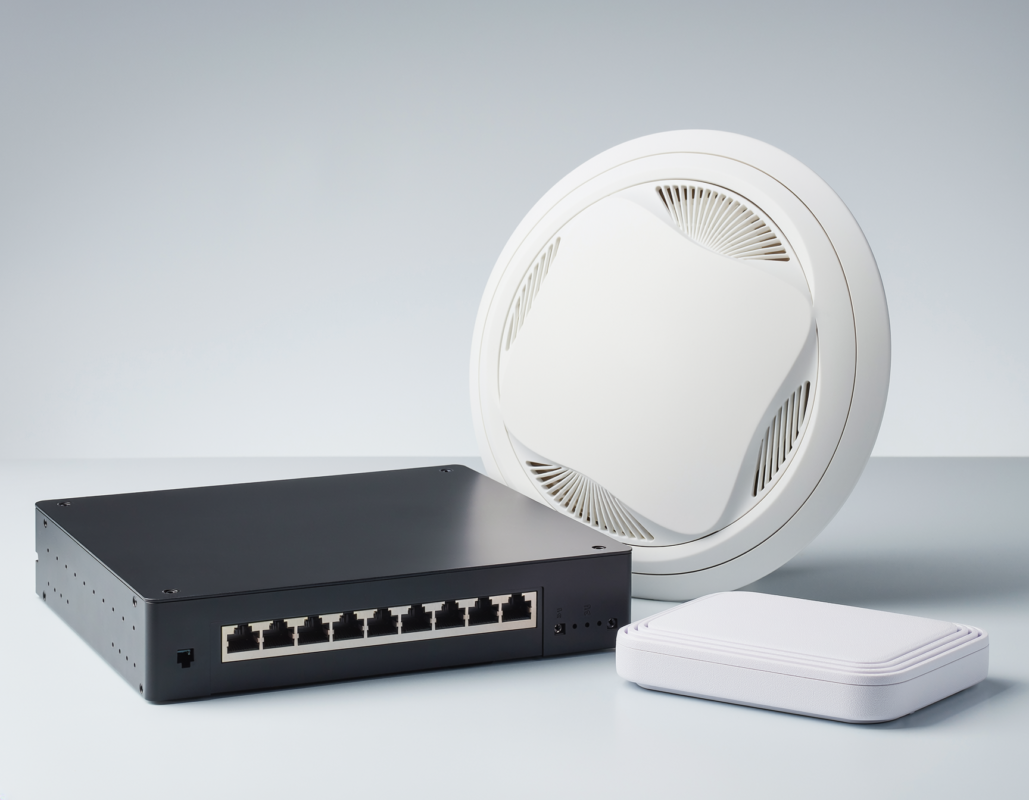
Choosing network equipment can feel confusing, especially when you want fast WiFi, stable connections, and room to grow. That is why so many homeowners, offices, and small businesses across Canada choose Ubiquiti. In this guide, we explain the main Ubiquiti UniFi product families, what each one does, and how to pick the right combination for your space.
What Is Ubiquiti UniFi?
UniFi is the best-known Ubiquiti ecosystem, combining WiFi access points, switches, gateways and cameras, all managed from one central controller. Instead of juggling separate apps and settings for each device, you manage your whole network from a single dashboard. This makes Ubiquiti a practical choice for people who want professional-grade results without needing to be a network engineer.
UniFi Access Points: Better WiFi Coverage
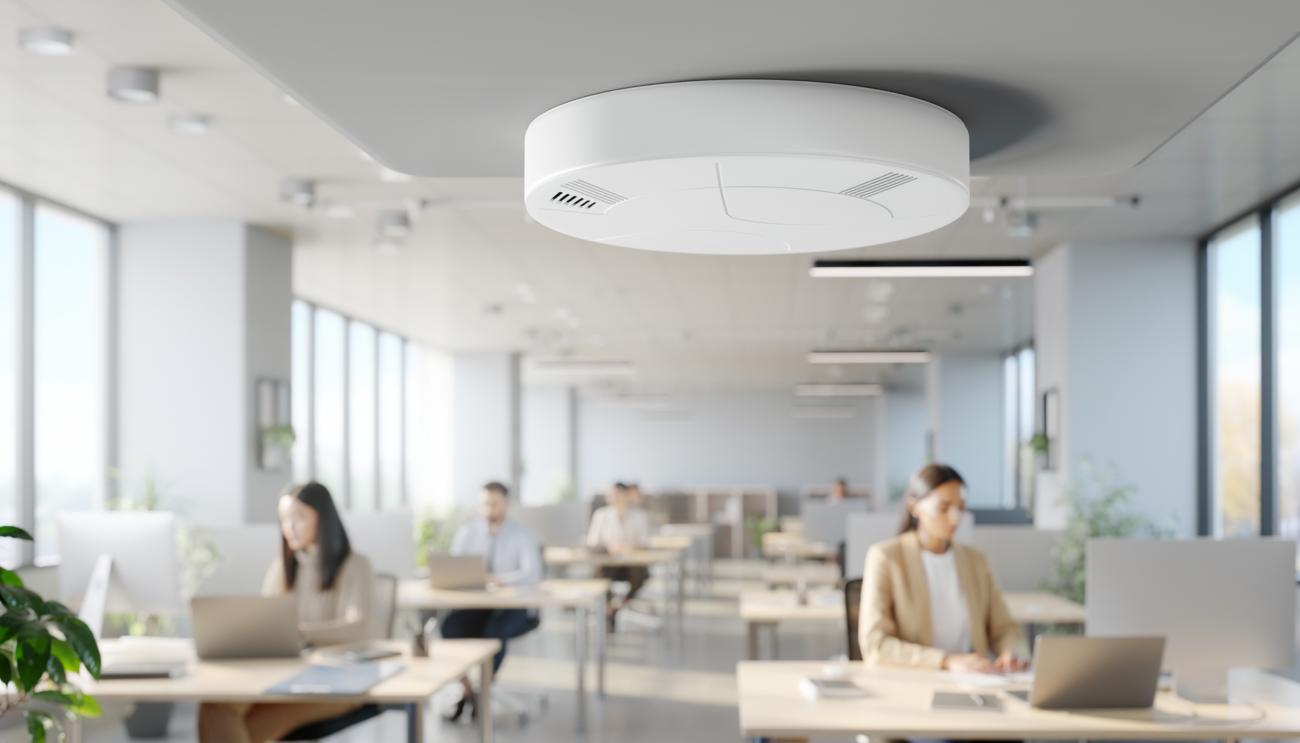
A UniFi access point is the device that broadcasts your wireless signal. Ubiquiti offers models for ceilings, walls, and outdoor use, with newer options supporting WiFi 6 and WiFi 7. Access points in the range support seamless roaming, advanced security features and central management, so your phone or laptop moves between rooms without dropping the connection.
Best for: offices, warehouses, retail stores, and larger homes where one router cannot cover every corner.
Browse our Ubiquiti access points to compare options.
UniFi Switches: The Backbone of Your Network
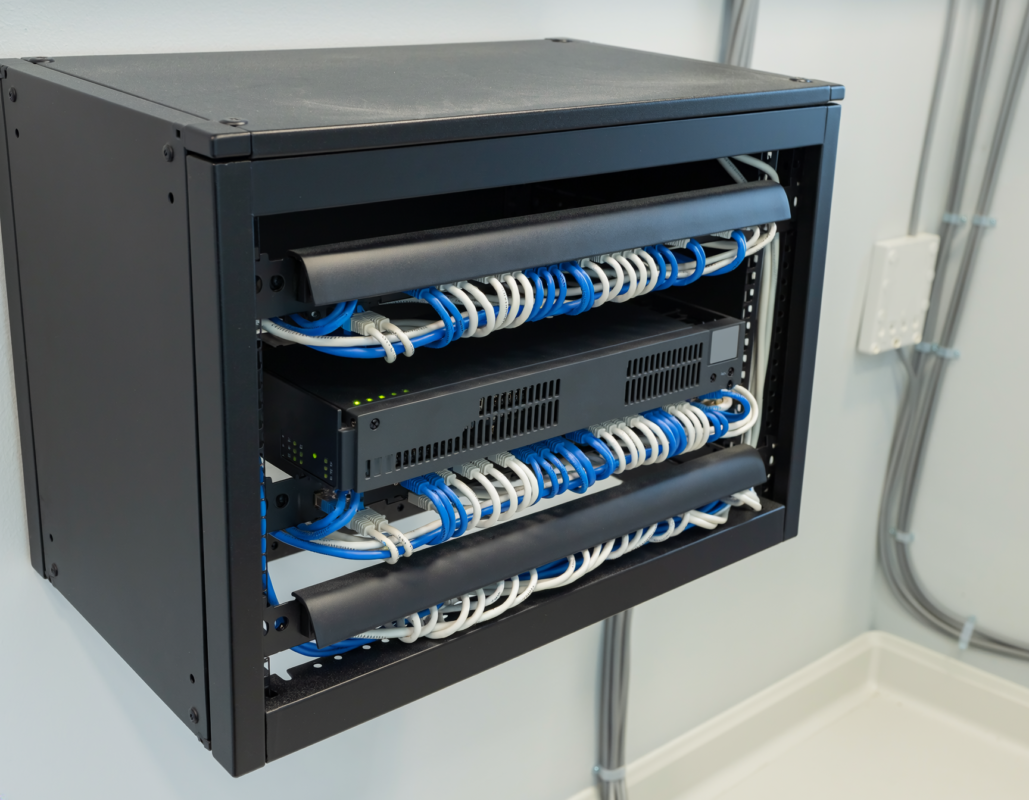
A network switch connects your wired devices such as computers, printers, cameras, and access points. Many UniFi switches include PoE (Power over Ethernet), which sends power and data through one cable. That means you can mount an access point or camera on a ceiling without running a separate power line.
Best for: any setup with more than a few wired devices, or anywhere you plan to add cameras and access points.
See our full range of Ubiquiti network switches.
UniFi Gateways and Dream Machine: Your Network’s Control Centre
A gateway sits between your internet connection and your local network. It handles routing, firewall protection, and traffic management. The UniFi Dream Machine line combines a router, controller, and switch in a single unit, which keeps small setups simple and tidy.
Best for: homes, small offices, and anyone who wants secure, easy-to-manage internet routing.
UniFi Protect Cameras: Security You Can Manage Yourself
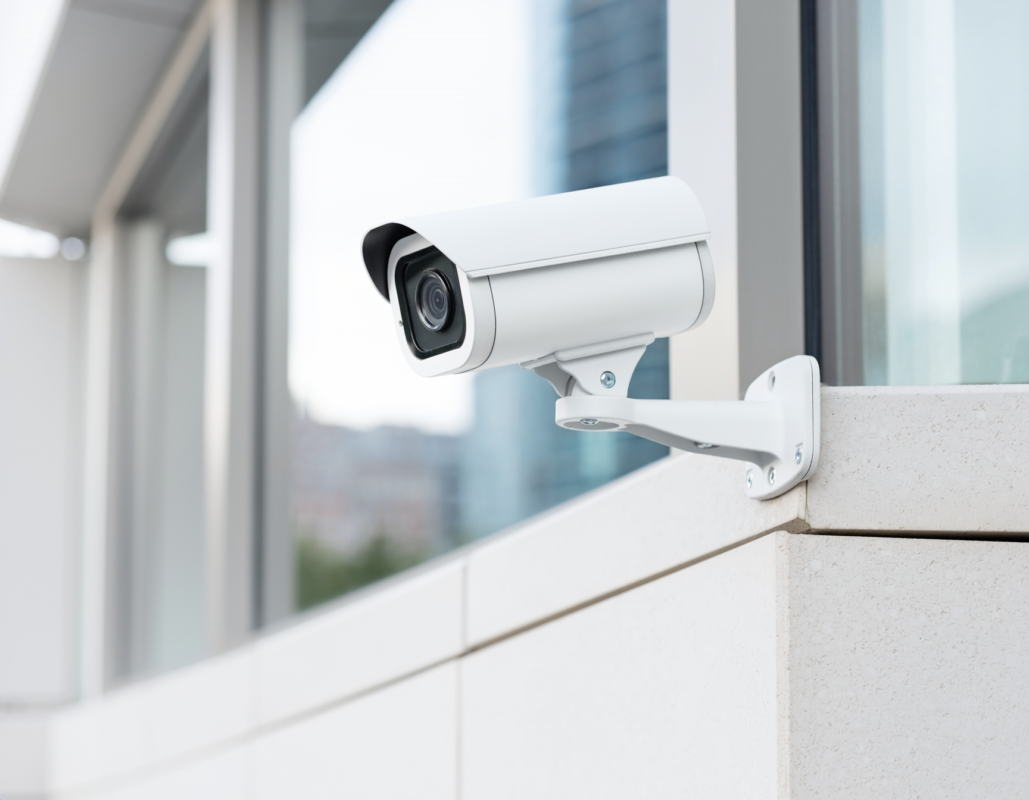
UniFi Protect cameras record to your own hardware rather than a monthly cloud subscription, and they appear inside the same dashboard as the rest of your network. This is a strong option for shops, garages, and homes that want reliable video surveillance.
Explore our security camera collection.
Beyond UniFi: airMAX and UISP
If you run a wireless internet service or need long-distance links between buildings, Ubiquiti’s airMAX and UISP families are built for that job. These are more specialized, so they suit ISPs and large properties rather than typical home users.
How to Choose the Right Ubiquiti Setup
| Your situation | Suggested setup |
|---|---|
| Small home | Dream Machine plus one access point |
| Large home or multi-floor | Gateway, PoE switch, two or more access points |
| Small office or retail shop | Gateway, PoE switch, access points, Protect cameras |
| Warehouse or big property | Multiple ceiling access points, PoE switches, outdoor access points |
Quick tips before you buy:
- Count how many wired devices you need to connect, then choose a switch with a few spare ports.
- Check the WiFi standard (WiFi 6 or WiFi 7) against the devices you own.
- Confirm your switch has enough PoE power for every access point and camera.
- Read the official specifications on the Ubiquiti website for each model.
Why Buy Ubiquiti From iPeer?
IPEER supplies networking equipment to customers across Canada. You get a clear product selection, straightforward listings, and support when you need help choosing. View our complete Ubiquiti collection to get started.
Frequently Asked Questions
Is Ubiquiti good for home use?
Yes. Ubiquiti UniFi scales down well. A Dream Machine and one access point cover many homes with a stable, secure connection.
Do I need a PoE switch?
Not always, but it is very helpful. PoE lets one cable power and connect access points and cameras, so installation is cleaner.
What is the difference between WiFi 6 and WiFi 7?
WiFi 7 is the newer standard and offers higher potential speeds and better handling of many devices. It only shows its full benefit if your phones and laptops also support it. You can read more at the Wi-Fi Alliance.
Can I mix Ubiquiti with other brands?
Generally yes for basic connectivity, but you get the best experience when UniFi devices are managed together.
Conclusion
Ubiquiti UniFi gives you a flexible, professional network that grows with you, from a single access point at home to a full office deployment. Start with the core pieces (gateway, switch, access point), then add cameras or extra coverage later. Ready to build your setup? Browse the Ubiquiti products at IPEER today.